
Introduction
I found myself with more data than I could reliably and cost effectively back up on Blu-Rays. What would cost me $700 in BR disks alone, I can backup on 1 tape archive.
Instead of putting more money into HDD, I decided to invest in a tape drive.
Here are some of my impressions and possibly some useful information for you.
Hardware
I purchased an HP Ultrium 30750, which is the LTO 8 variant of HP's Ultrium line.
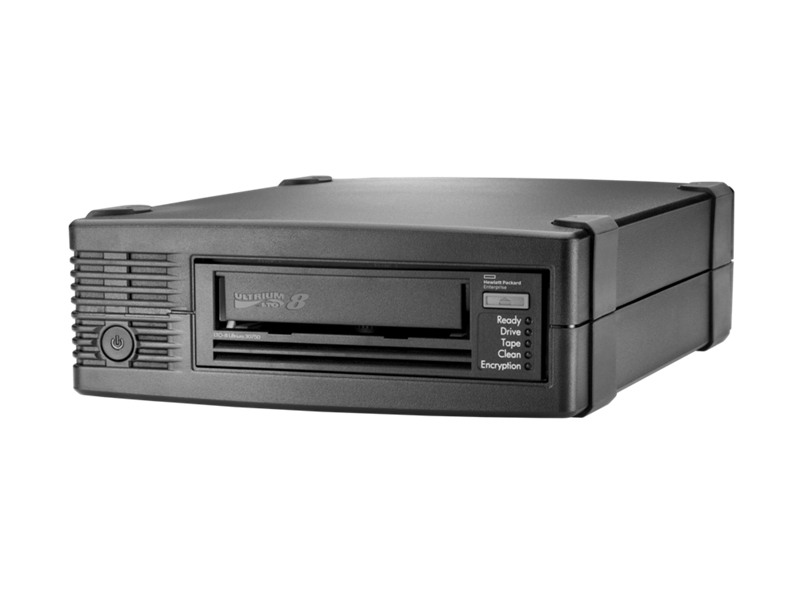
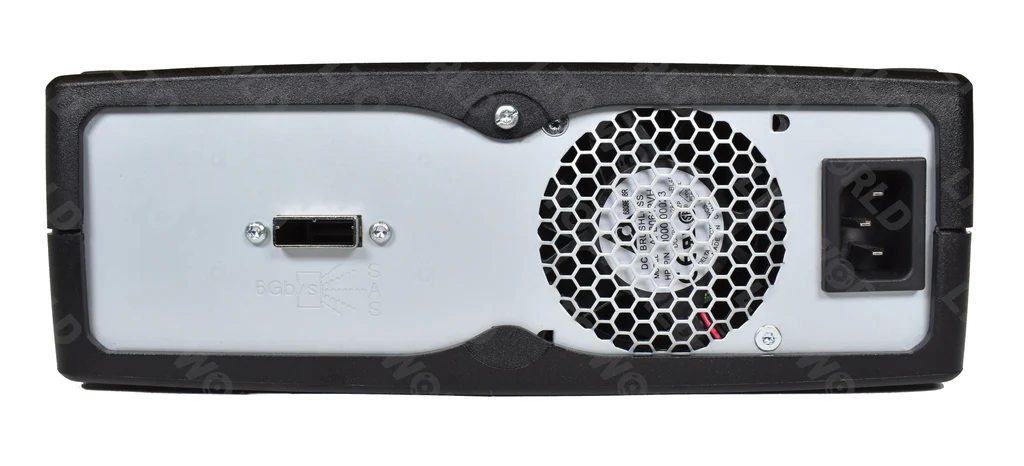
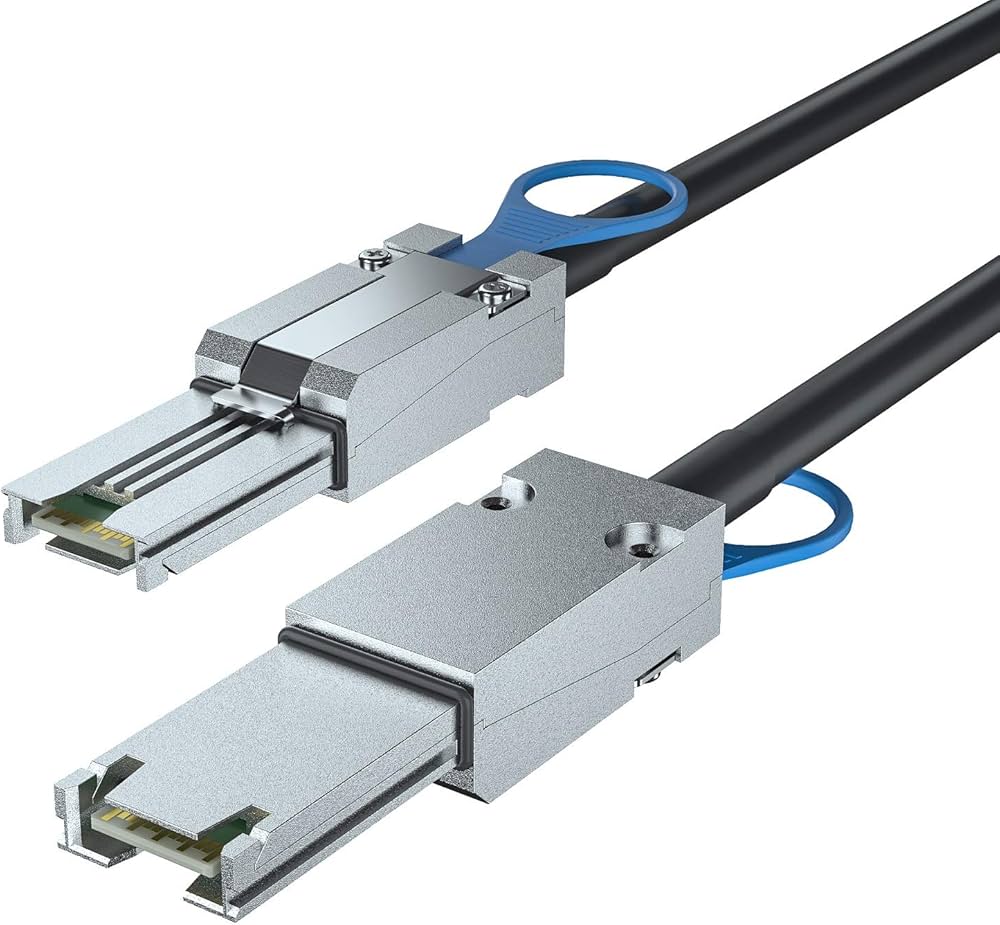
I also needed a PCIe card to connect the SAS3 connection. For this you need an HBA (Host Bus Adapter) card. You basically need to make sure the hardware connections are correct and that it is based on the Broadcom/LSI architecture. Both the Ultrium and the HBA are "Mini SAS 26pin (SFF-8088)"
This one has worked well Amazon Link to HBA
This cord has worked well also Amazon Link to SAS3 Cable
I purchase tapes from multiple vendors, haven't had any issues so far.
Software
There are two main camps of people using tapes to archive data. Those that use LTFS and those that do not.
LTFS allows the tape to appear as a filesystem like any other removable media. With the filesystem, you lose storage capacity. I get 11TB with my LTFS formatted cartridges.
Raw tape storage stores files in a tar (tape archive) for each file you archive.
At how cheap these tapes are, I'm not worried about losing a TB of storage for what LTFS gains me. Namely ease of storing files *my* way and streaming multiple streams onto the cartridge at one time, instead of waiting to save multiple files, the operating system takes care of all the I/O.
Tape Drive Usage
It is important that we keep the drive running at or close to bandwidth limitations. This insures we are writing to the drive at all times and not let it spin down (and potentially rewind) which presents risks for large files. My workflow has been streamlined to the point that I back up all my files and archive them all at once. I stream a few TB's of data from multiple sources to the tape cartridge all at the same time. As a benchmark of my progress in using the tape drive, I was able to stream over a gigabit network, a single 1.5TB file to the tape cartridge in ~4 hours.
LTFS
Using LTFS means that we have 2 partitions written to the cartridge. First is the index, this holds important information about what is stored and where. Second is the data partition, where we actually store the files we are archiving.
LTFS Software
I found out the hard way to use the HP LTFS software.
I don't run RHEL, I run linux distributions based on Debian if I can help it. So from here YMMV.
An older version of the software can be found here https://github.com/nix-community/hpe-ltfs
This is several versions behind, it is recommend working with HP's website to obtain and install the latest version of the software.
I have attached the latest version as of this writing HPE_StoreOpen_Software_3.6.0_RHELx64.tar.gz
Download the latest "HPE_StoreOpen_Software" from https://support.hpe.com/connect/s/product?kmpmoid=4249221&tab=driversAndSoftware&language=en_US
- Install .rpm using alien
- Verify ltfs binary has been installed and ready to be used.
Using LTFS
I have written a script to keep my policy consistent. This includes ltfsck (LT-fsck) that will automatically read the cartridge and verify the data is in good order before I start messing with it.
Second, and more importantly, I am streaming TB's of data over the network from multiple physical machines. -o sync_type=unmount will stop the tape drive from writing the index approximately every 5 minutes and only write the index upon unmount execution. Use this if you are streaming data like me, it will save you many many hours of debugging.
echo "Finding Tape Drive"

drive_test_location=$(lsscsi -g | grep "HPE" | awk '{print $7}')
drive_location=$(lsscsi -g | grep "HPE" | awk '{print $8}')

if [[ "$drive_location" != ""  ]]; then
        echo "Tape Drive Found: '$drive_location'"
else
        echo "Tape Drive Not Found"
        exit
fi

echo "ltfsck on '$drive_test_location'"
sudo ltfsck "$drive_test_location"

echo "Mounting Tape Drive"
sudo ltfs -o devname="$drive_location" /media/tape -o sync_type=unmount

if [ $? -eq 0 ]; then
        echo "Drive Mounted successfully"
else
        echo "Unable to mount drive"
fi
Exceptions
We will likely have to do this at least once. There were modifications in the kernel support source. This should allow you to get passed the issue during compilation or use of the LTFS
cp /usr/include/linux/sysctl.h /usr/include/sys/sysctl.h
If your tape drive keeps spinning down, there is something wrong. I went through multiple both hardware and software. Following my advice so far will give you the benefit of skipping over most of that, I hope.
One weird thing was with the HBA I bought, it needed to be put in "heavy assed" crooked to work properly in a x16 slot otherwise it would cause odd reboots about "slot power down" or something along those lines.